A practical Vibe Coding decision guide
Vibe Coding in Armenia: website, web app or bot?
A small business in Yerevan wants a digital tool. Asking whether to build a website, web app or bot cannot be answered by which one an AI tool can produce fastest. First identify whether a person needs to find information, complete a task, keep a record for later, or continue a conversation in a channel they already use. The bakery below is fictional: it is not a MekStep customer, product or working service.
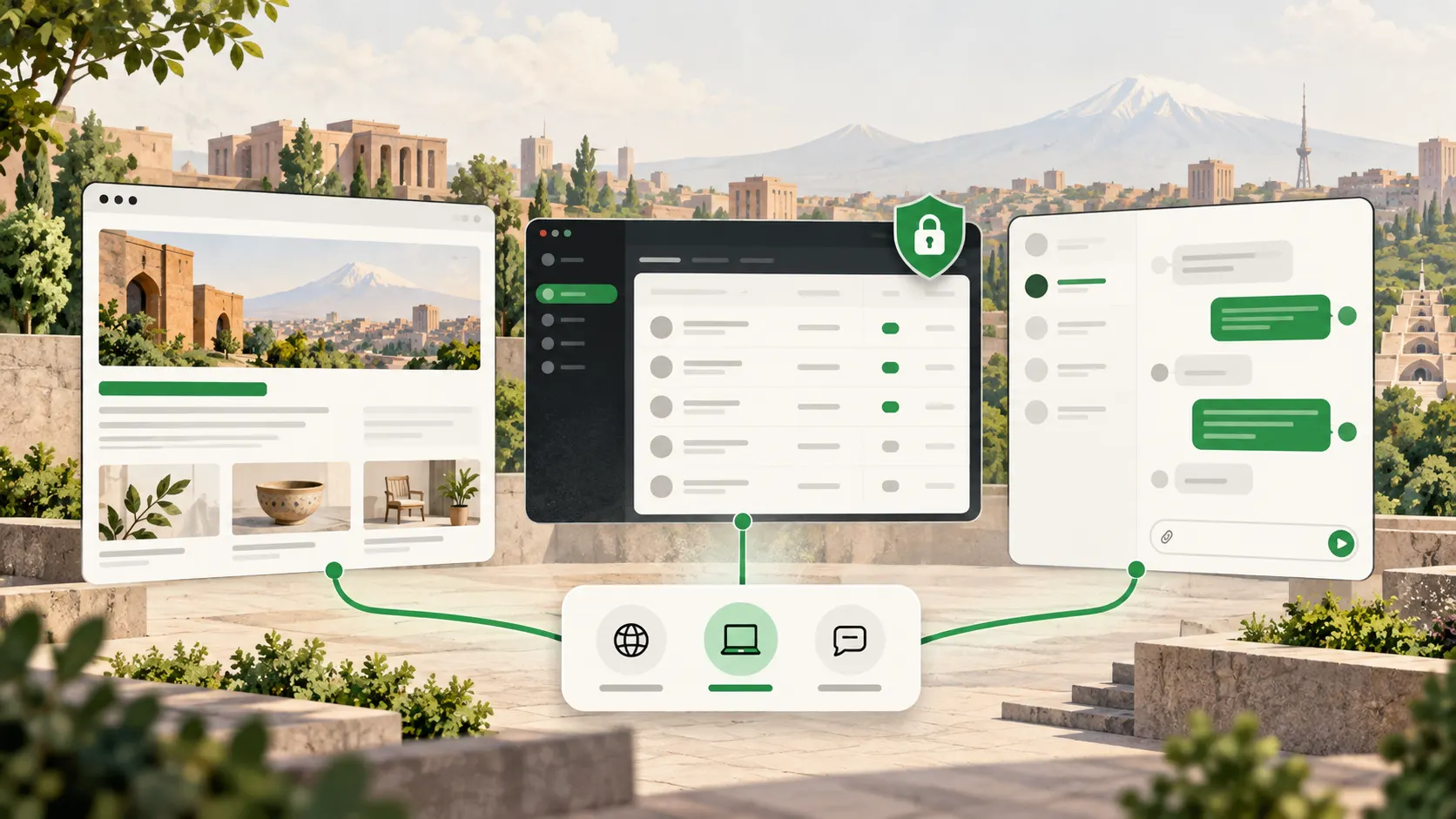
Choose a public website when the main job is discoverable information and a clear route to contact you. Consider a web app when people repeatedly perform tasks and must preserve state, roles or records. Consider a bot when a specific conversation belongs in a messaging platform that the intended users actually use. These formats can work together. Start with one verified task, not the name of a tool.
Answer four questions before choosing a format
Write down who the user is, what task they complete, what must be stored and where the interaction begins. ‘We need a modern solution’ does not tell you whether you need a public page, an internal work area or a conversation channel. A defined task lets you choose a small first version and test whether it solves the problem.
One business may have several audiences. A new customer may need an address, an explanation and a way to ask a question. A staff member may need to see order status. An existing customer may need an answer in their preferred channel. Join those needs in one system only after the data flow and responsibility are clear.
- Information: what must anyone find without signing in?
- Action: what should the person do and what result follows?
- Storage: what record or state must be available later?
- Channel: does the task start on a site, in a staff workspace or in a message?
Website: when the business must be visible and understandable
A public website is a useful starting point when a visitor mainly needs to understand an offer, read relevant details and find a clear way to contact the business. It can contain pages, images and a simple inquiry form. A form alone does not turn the site into an internal management system: someone still needs to own the inquiry and its next step.
Search visibility depends on an accessible page, a successful HTTP response and indexable content. Google does not promise to index or rank a page merely because it meets the technical minimum. If the important explanation lives behind a login or only inside a messaging bot, the public page task remains unsolved.
Web app: when work continues on the next visit
Consider a web app when someone has a recurring task—for example, a staff member changes an order status and a manager sees only the records their role permits. Describe access roles, sign-in rules, retained fields, correction of mistakes and responsibility for the data. These are design requirements, not automatic features of any particular platform.
A web app also uses web technologies and may include public pages. MDN explains that an installable progressive web app is still a website; installability is an additional feature, not a requirement for this choice. Avoid ordering accounts, databases and roles when a public page plus a simple team process would meet the actual need.
Bot: when the task naturally belongs in a message
A bot can accept defined requests or return answers within the messaging platform the user already uses. That channel is a condition: the person must use the platform and initiate or permit the relevant conversation. Telegram's own documentation says its bots cannot start a private conversation with a user. That is a Telegram-specific rule, not a universal rule for all bots.
If the business address, offer or explanation must be available to any visitor, a bot alone is a weak fit. A bot also needs a conversation path, a route to a person when it cannot help, data boundaries and maintenance. A chat window does not automatically replace a public site or a complete internal app.
One fictional bakery, three separate needs
Imagine a Yerevan bakery that wants new customers to find its address and understand its product range. That is a public website task. The same team may want to mark which stage a fictional order has reached. If that record must persist and be available to staff by role, it is a web app requirement. If a customer who has already contacted the bakery prefers updates in an agreed messaging channel, the team can separately evaluate a bot.
These are descriptions of three needs, not a shopping list of three required products. If nobody has decided who will edit public information or answer inquiries, a larger system will not resolve that gap. No real order, customer data, payment or outcome is represented in the example.
- Website: public address, offer explanation and clear contact path.
- Web app: repeatable internal action, stored state and role-based access.
- Bot: a defined conversation in an agreed messaging channel.
A decision card to complete before the first build
Complete this card for one task. If the ‘stored data’ line is empty, do not add a database merely because a tool suggested one. If there is no public content, do not promise search visibility. If you have not checked the preferred channel, do not impose a bot.
Also consider ongoing work: possible domain and hosting cost categories, content updates, accessibility, security maintenance and a named owner. MDN notes that cost varies with scope and infrastructure. We give no specific price, schedule or performance forecast here. Even if AI helps draft the first version, the same checks remain before publication.
The boundary of a working prototype
Published Vibe Coding course description
- Intended user: …
- One completed task: …
- Public information: … / none.
- Stored data and access roles: … / not yet needed.
- User channel: … / unverified.
- Owner of the first version and its test: …
The short decision
- Start with a website for public information; assess a web app for repeated actions with retained state.
- Choose a bot only when the particular messaging channel and user participation are established.
- The formats may work together, but define the task and owner of each separately.
- A fast AI-generated first version still needs content, accessibility, security and maintenance checks.
Frequently asked questions
Can a website accept inquiries?
Yes. A public site may have an inquiry form. The form alone does not imply staff roles, retained order records or automatic processing. Design those next steps separately.
Must a web app be installed on a phone?
No. It can work in a browser. An installable PWA is a separate option, not a universal requirement.
Can a bot replace a website?
If people need a public, search-accessible explanation, a bot alone usually leaves that need unmet. It may complement a website for a specific conversational task.
What if we are still unsure?
Pick one testable task, complete the six-line card and try the smallest sufficient solution. Clarify unknown data, channel choice and maintenance ownership first.
Sources
Checked: